
How-to · 6 min read
Bitget Wallet to Bank Account in India: Send USDT, Get INR (2026)
Bitget Wallet's Sell crypto option pays out via MoonPay, with no INR. How to send USDT on TRC20 from Bitget Wallet and get rupees in your Indian bank.
By Bryan Aaron · Updated
Quick answer
Bitget Wallet's Sell crypto feature runs through MoonPay and pays out in about 25 currencies such as USD, EUR and GBP, not INR. To get rupees, send USDT on TRON (TRC20) from Bitget Wallet to a direct offramp like Disburz and receive INR in your bank by IMPS with a UTR. Your first TRON USDT transfer per address is gas-free.
Bitget Wallet has a “Sell crypto” button, but if you're in India it won't get you rupees. It runs through MoonPay and pays out in currencies like USD, EUR and GBP. The way to get INR into your bank is to send USDT on the TRON network to a business that pays INR from its own account.
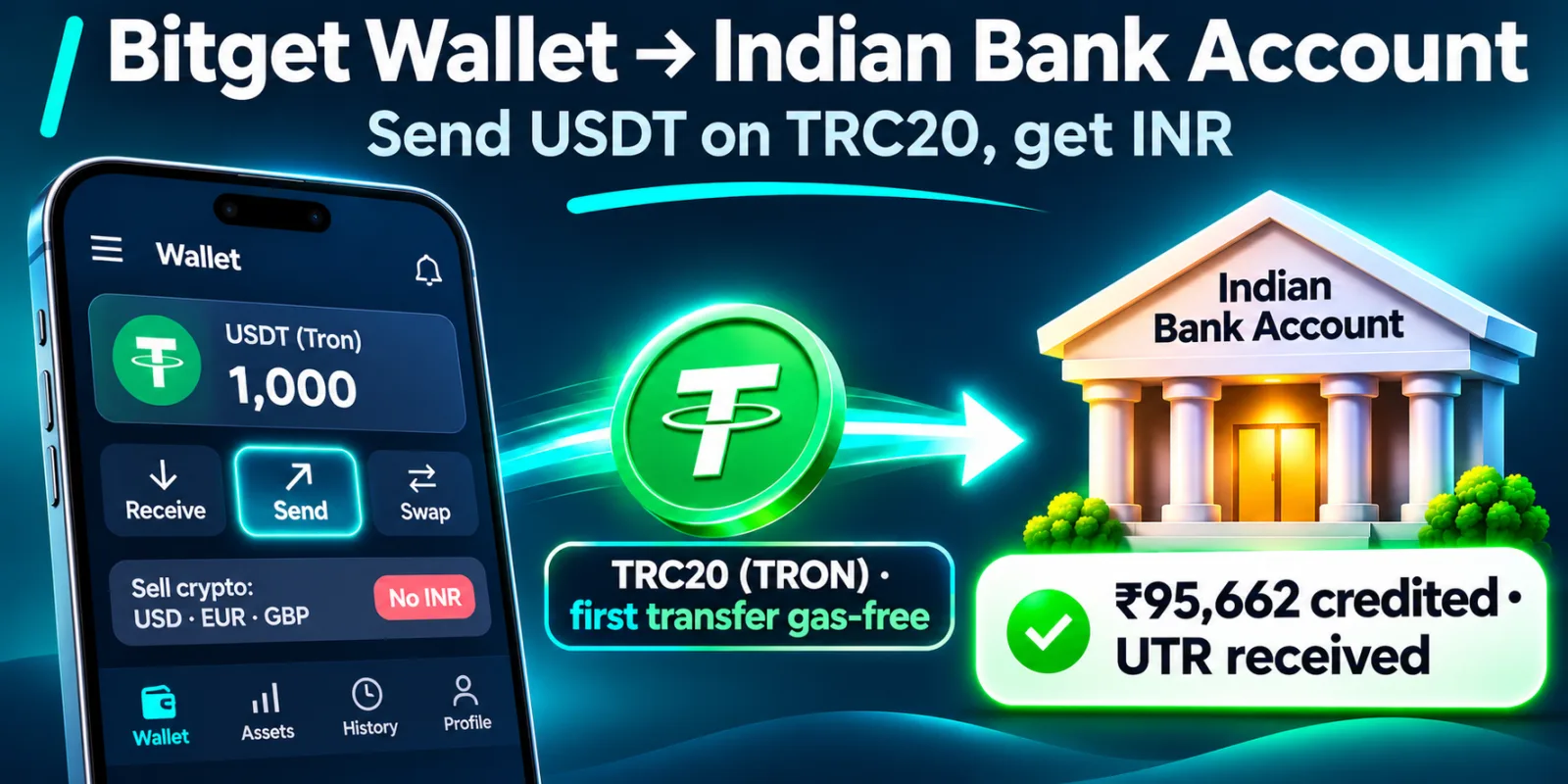
Why Bitget Wallet's Sell button doesn't work for INR
- Provider: MoonPay, with its own ID check and face scan.
- Currencies: about 25, such as USD, EUR, GBP, AUD and MXN. INR isn't one of them.
- Payout methods: Visa or Mastercard cards, PayPal, Venmo, a MoonPay balance, or US bank transfer (ACH).
MoonPay is also on the list of offshore platforms the Indian government directed to be blocked, so it isn't a route to plan around.
Before you send: the network fee
USDT on TRON needs network resources to move. Bitget Wallet's GetGas feature changes the usual “keep some TRX” rule:
| Transfer | Fee on TRON (per Bitget Wallet) |
|---|---|
| First USDT transfer from each address | Fully gas-free |
| Later USDT transfers | About 45% covered; the rest from your GetGas balance |
Subsidies have daily limits and can change; the app shows the real fee before you confirm.
Step by step: Bitget Wallet to your bank account
- Make sure your USDT is on TRON. Bitget Wallet holds USDT on many chains. If yours is on BNB Chain, Ethereum or Solana, swap or bridge it to USDT on Tron first.
- Get a Disburz quote, add your bank account (in your own name), and copy the deposit address. It starts with
T. - In Bitget Wallet, tap Send, choose USDT (Tron), and paste the address.
- Enter the amount from your quote, check the network fee, and confirm.
- Once the USDT confirms on TRON (about a minute), Disburz pays INR to your bank by IMPS, NEFT or RTGS and emails you the UTR.
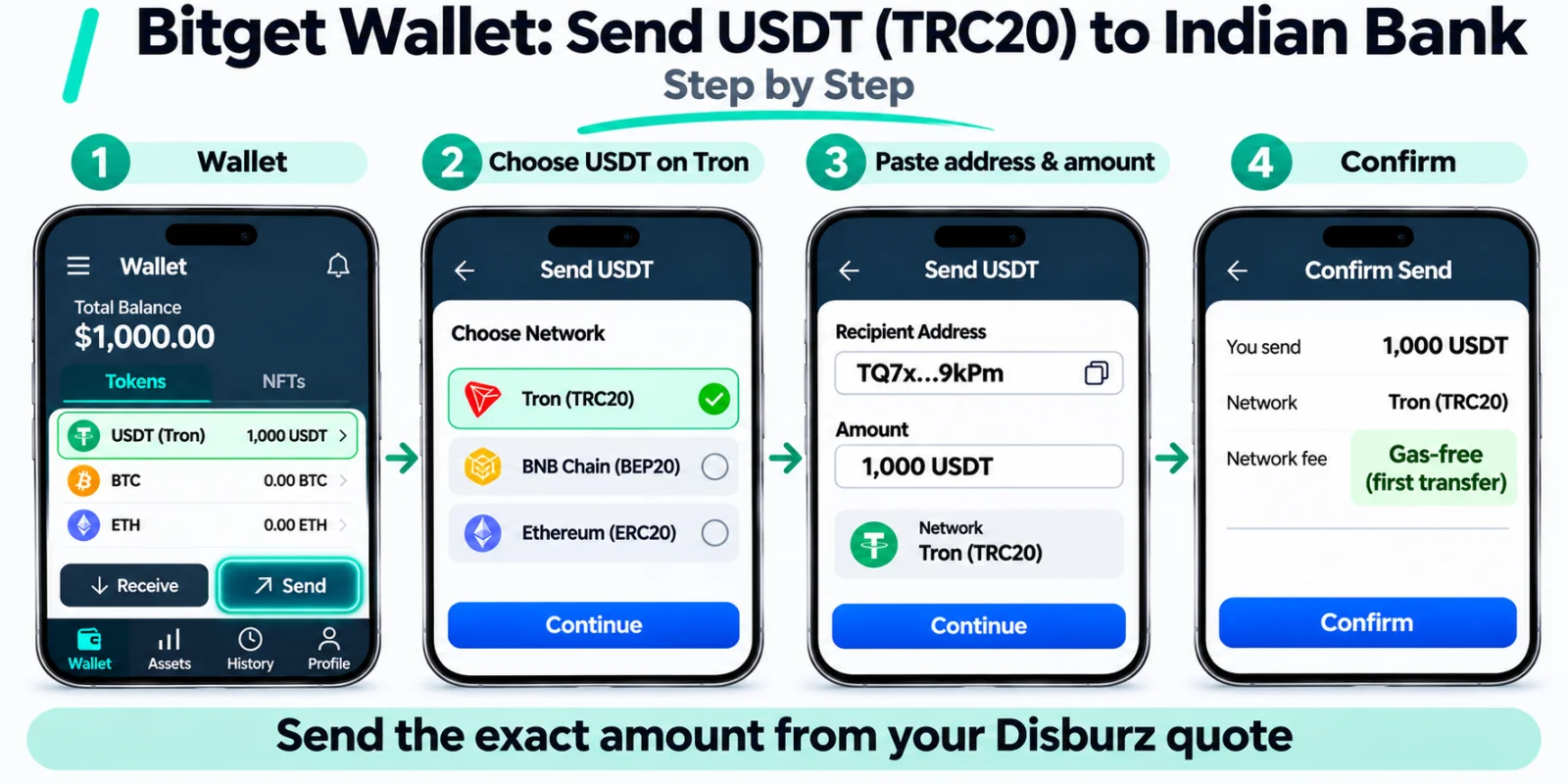
What 1,000 USDT arriving on TRC20 pays at today's quote (fees: ₹50 fee + 3 USDT network deduction):
| Arrives at Disburz | 1,000 USDT (TRC20) |
| Network deduction | − 3 USDT |
| Rate | 1 USDT = ₹96.00 |
| Converted value | ₹95,712.00 |
| Fee | − ₹50.00 |
| Paid to your bank | ₹95,662.00 |
|---|
Holding other tokens?
If you farmed airdrops or hold memecoins in Bitget Wallet, swap them to USDT on Tron inside the wallet first, then send. Disburz accepts USDT on TRC20 today. For airdrop-specific tips, see airdrop tokens to an Indian bank account.
Mistakes to avoid
- Sending USDT on BNB Chain or Ethereum to a T address. Check with the address checker.
- Sharing your seed phrase with “Bitget Wallet support”. Real support never asks for it.
- Selling to P2P strangers for a slightly better rate. Money linked to fraud can freeze your account; see bank account frozen after P2P.
Using the Bitget exchange instead? See Bitget to Indian bank account. Other wallets: Trust Wallet, SafePal, MetaMask.