
How-to · 6 min read
SafePal to Bank Account in India: How to Get INR from SafePal (2026)
SafePal's Bank and fiat gateway don't support India. How to send USDT on TRC20 from the SafePal app or a SafePal hardware wallet and get INR in your bank.
By Bryan Aaron · Updated
Quick answer
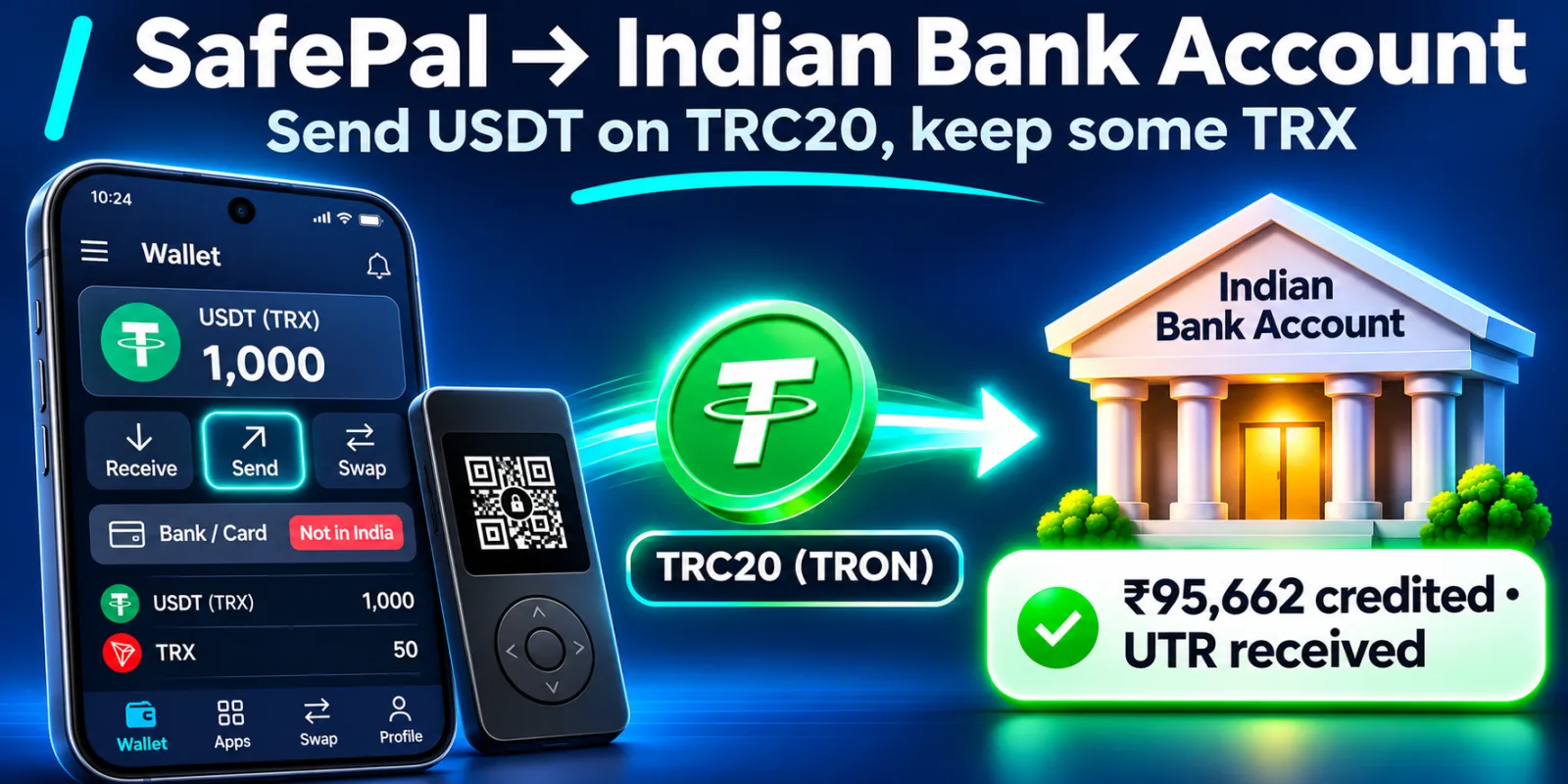
SafePal's Bank feature and fiat gateway aren't available in India; India isn't on its list of supported regions. To get rupees, send USDT on TRON (TRC20) from the SafePal app or your SafePal hardware wallet to a direct offramp like Disburz, keep some TRX for the network fee, and receive INR in your bank by IMPS with a UTR.
SafePal advertises bank accounts and cards right inside the app, but they aren't available in India. If your USDT sits in the SafePal app or on a SafePal hardware wallet, the way to rupees is to send it on the TRON network to a business that pays INR from its own bank account.
Why SafePal Bank doesn't help in India
SafePal's fiat gateway (IBAN accounts and cards through Fiat24) lists its supported regions: Europe, the UK, Australia, Canada, Singapore, Malaysia, Japan and South Korea at the higher limit, and Bangladesh, Indonesia, Thailand, Turkey and others at a lower limit. India isn't on the list.
Before you send: keep some TRX
Every USDT transfer on TRON uses Energy, which comes from staked TRX or is paid by burning TRX. If your SafePal TRON account has no TRX, the transfer fails. Keep a small TRX balance, and stake some if you send often. More on this in the Trust Wallet guide, which works the same way.
Step by step: SafePal to your bank account
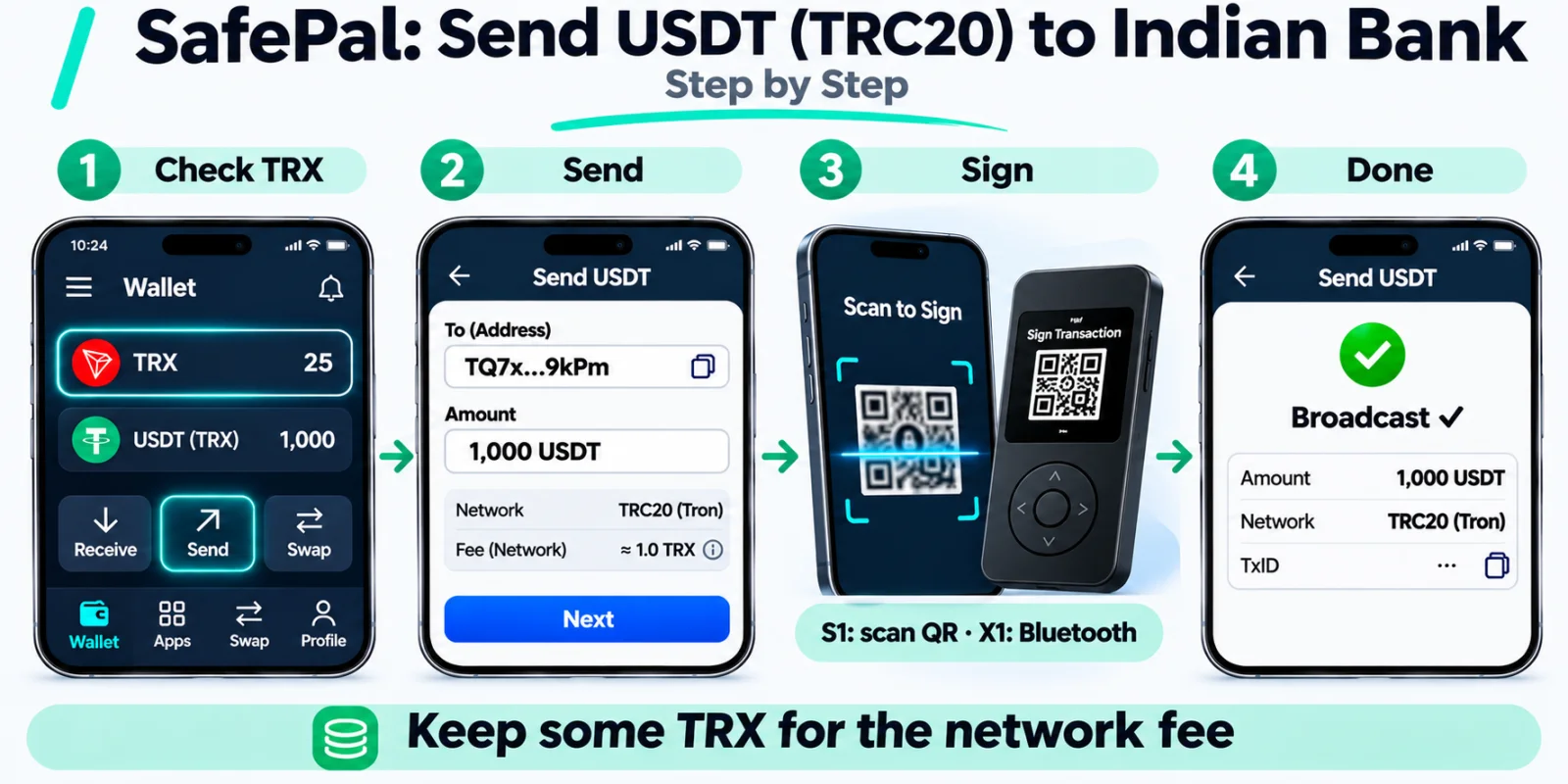
- Check your USDT is on TRON. If it's on BNB Smart Chain or Ethereum, swap or bridge it to TRON first.
- Get a Disburz quote, add your bank account (in your own name), and copy the deposit address (it starts with
T). - In the SafePal app, open USDT (TRX), tap Send, and paste the address.
- Enter the amount from your quote and check the fee.
- Software wallet: confirm in the app. Hardware wallet: confirm on the device: on the S1 by scanning QR codes back and forth, on the X1 over Bluetooth. Check the address on the device screen.
- Once the USDT confirms on TRON (about a minute), Disburz pays INR to your bank by IMPS, NEFT or RTGS and emails you the UTR.
What 1,000 USDT arriving on TRC20 pays at today's quote (fees: ₹50 fee + 3 USDT network deduction):
| Arrives at Disburz | 1,000 USDT (TRC20) |
| Network deduction | − 3 USDT |
| Rate | 1 USDT = ₹96.00 |
| Converted value | ₹95,712.00 |
| Fee | − ₹50.00 |
| Paid to your bank | ₹95,662.00 |
|---|
Mistakes to avoid
- Sending with no TRX. The transfer fails and can still use up resources.
- Picking USDT on BSC for a T address. Check with the address checker.
- Typing your seed phrase into any website claiming to “sync” or “validate” SafePal. That's a scam.
- Selling to P2P strangers. See bank account frozen after P2P.
Other wallets: Ledger, Trust Wallet, Bitget Wallet, Exodus.