
Networks · 5 min read
How to Check Which Network Your USDT Is On (TRC20, ERC20 or BEP20)
Is your USDT on TRC20, ERC20 or BEP20? Check the address, the label in your app, or the transaction hash. 0x addresses can't tell you, here's what can.
By Bryan Aaron · Updated
Quick answer
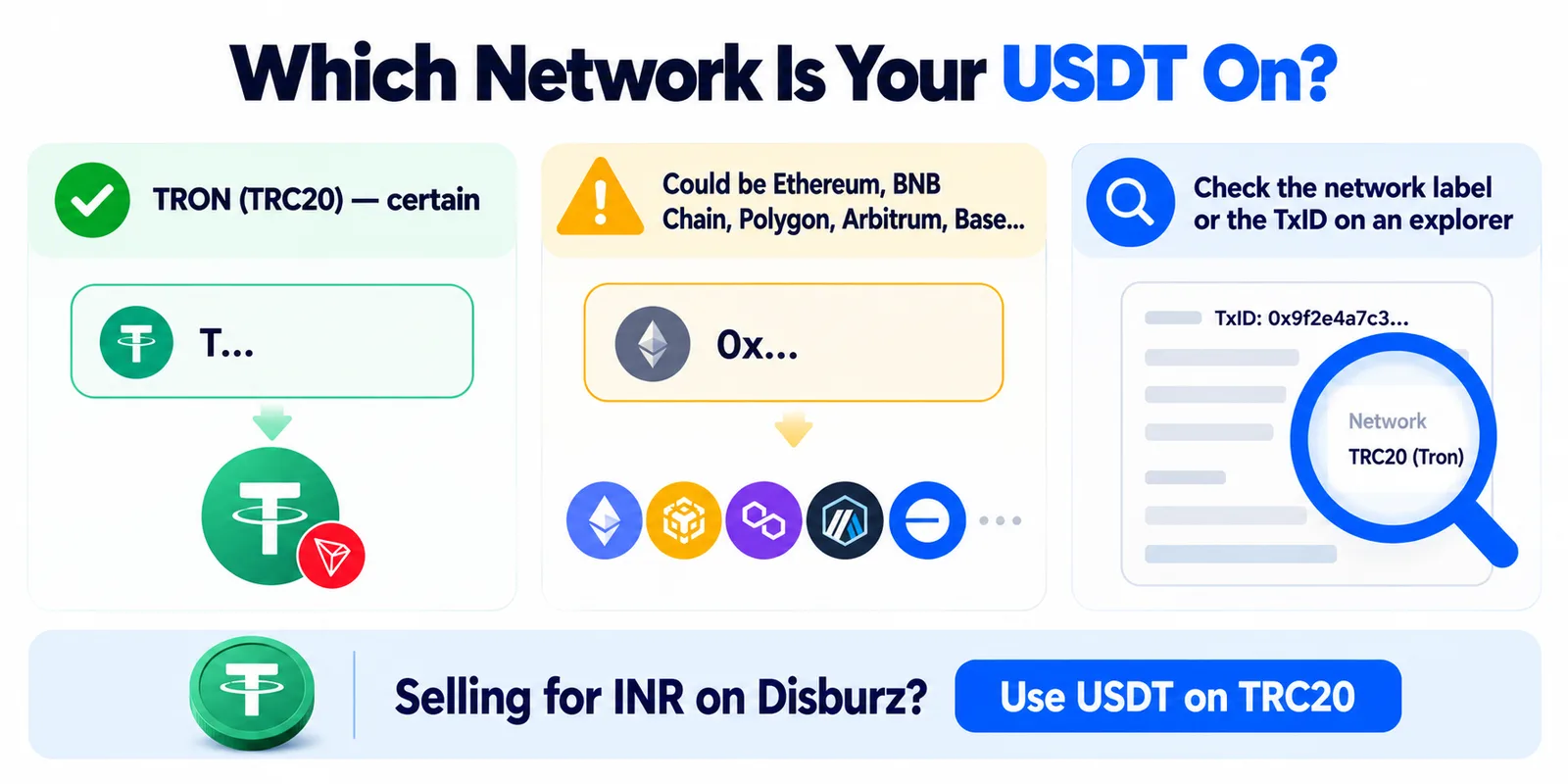
An address starting with T is TRON (TRC20). An address starting with 0x could be Ethereum (ERC20), BNB Smart Chain (BEP20), Polygon, Arbitrum, Base or another EVM network, so the address alone can't tell you. Check the network label next to your USDT in your wallet or exchange, or paste the transaction hash into Tronscan or Etherscan: the explorer that finds it is the network.
USDT isn't one coin on one blockchain. The same dollar token lives on TRON, Ethereum, BNB Smart Chain, Polygon, Solana and more, and each copy only moves on its own network. Before you send USDT anywhere, including to sell it for INR, you need to know which one you hold. There are four ways to check, from quickest to most certain.
1. Look at the address
| Address looks like | Network | Certain? |
|---|---|---|
Starts with T, 34 characters | TRON (TRC20) | Yes |
Starts with 0x, 42 characters | Ethereum (ERC20), BNB Smart Chain (BEP20), Polygon, Arbitrum, Base, Optimism, Avalanche… | No: every EVM network uses the same format |
| 32–44 letters and numbers, no prefix | Usually Solana | Mostly |
So a T address settles it, but a 0x address doesn't. Your MetaMask or Trust Wallet 0x address is literally the same on Ethereum, BNB Chain and Polygon; the network you choose when sending decides where the money goes. Paste any address into our USDT address checker to see which networks it can belong to.
2. Read the network label in your app
Every wallet and exchange shows the network somewhere. Where to look:
| App | Where the network shows |
|---|---|
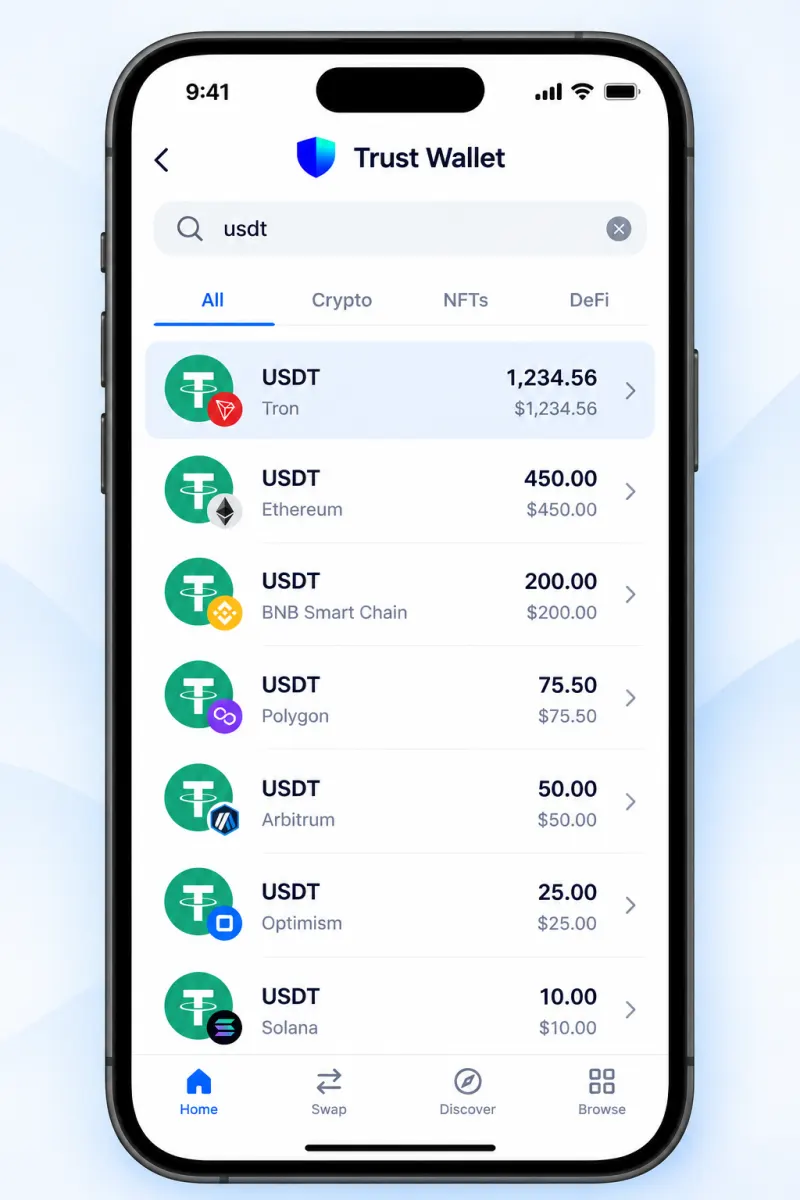
| Trust Wallet | Under the token name (Tron, BNB Smart Chain, Ethereum); each network is a separate USDT |
| MetaMask | The network selector at the top; MetaMask has no TRON |
| Exodus | Under each token; filter assets by network |
| Coinbase Wallet | On the token page; it has no TRON network |
| TronLink | Always TRON (TRC20) |
| Binance, Bybit, KuCoin, OKX | Your deposit history shows the network each USDT deposit came in on |
On an exchange, the balance itself has no network. USDT becomes “TRC20” or “ERC20” only when you withdraw, and you pick the network then. That's why sending from an exchange is the easiest way to switch networks.
3. Paste the transaction hash into an explorer
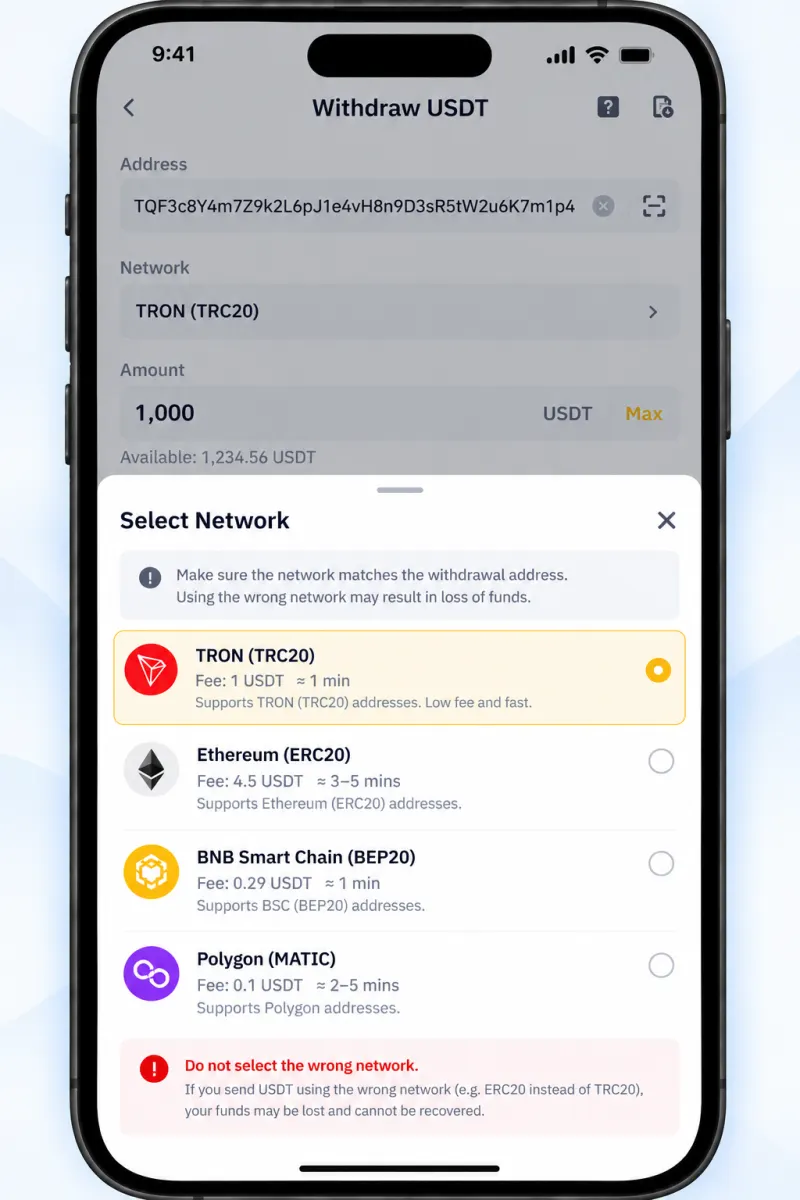
If someone sent you USDT and you have the transaction ID (TxID), this is the surest check. The explorer that finds it is the network.
- A hash of 64 characters without
0xis usually TRON. Paste it into Tronscan. - A hash starting with
0xis an EVM network. Try Etherscan first, then BscScan and Polygonscan.
The explorer page also shows the token, the amount, the sender and receiver, and whether it's confirmed.
4. Check the token contract (is it real USDT?)
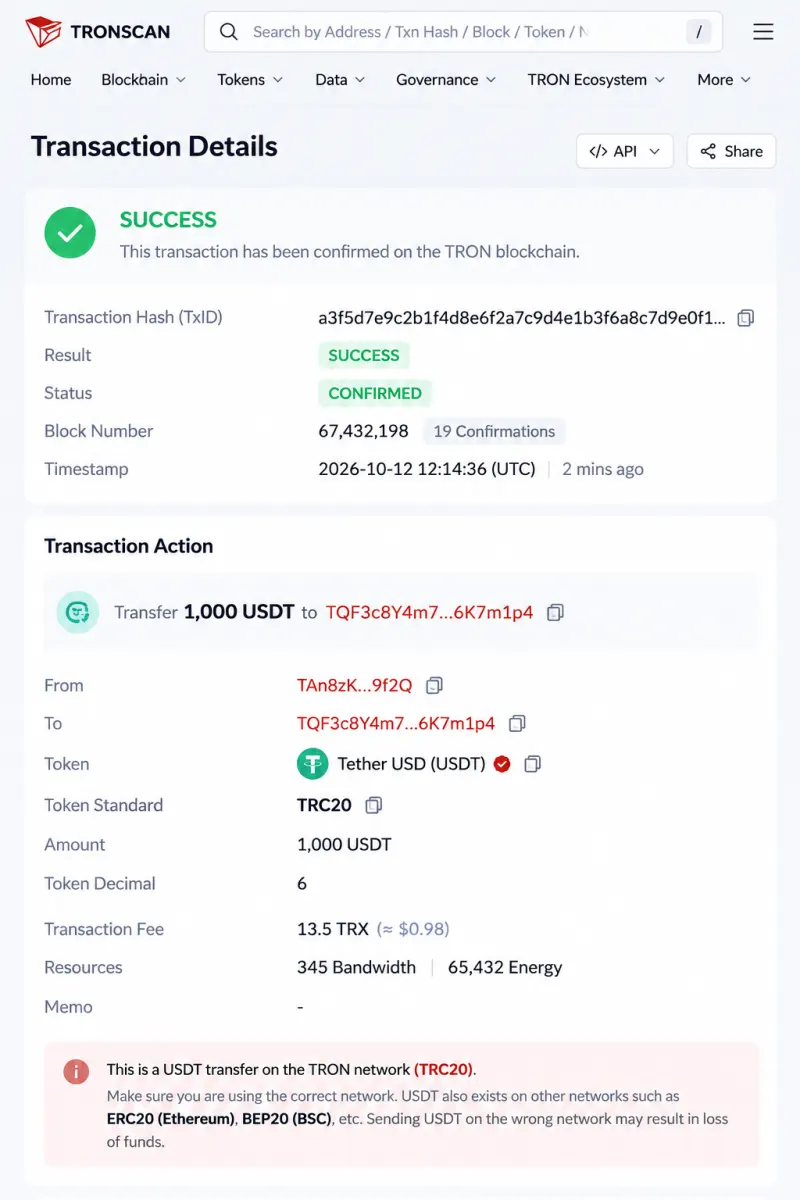
Scammers create tokens named “USDT” that look real in a wallet but are worthless. Open the token on the explorer and compare its contract address with the one Tether publishes:
| Network | Official USD₮ contract |
|---|---|
| TRON (TRC20) | TR7NHqjeKQxGTCi8q8ZY4pL8otSzgjLj6t |
| Ethereum (ERC20) | 0xdac17f958d2ee523a2206206994597c13d831ec7 |
| Solana | Es9vMFrzaCERmJfrF4H2FYD4KCoNkY11McCe8BenwNYB |
One thing most guides skip: Tether's own list of supported blockchains doesn't include BNB Smart Chain or Polygon for USD₮. USDT on those networks is a bridged version issued through other platforms. It trades at the same price on exchanges, but it's worth knowing who stands behind the token you hold. More on fake tokens in USDT scams in India.
What this means when you sell USDT for INR
Disburz accepts USDT on TRC20 today, and your deposit address starts with T. If your USDT is on TRON, send it straight from your wallet. If it's on another network, convert it first: send it to an exchange on the same network and withdraw USDT on TRC20. Guides for Trust Wallet, MetaMask, Exodus and Binance show the exact steps.
Already sent on the wrong network? Read what to do after a wrong-network transfer. For the differences in fees and speed, see TRC20 vs ERC20 USDT.